


A sales contract is a formal document detailing the pricing, scope of work, deliverables, timelines, and service terms for a customer to agree to and sign. Preparing one requires establishing an offering for the customer, setting the price, and indicating the terms associated with the work. In this article, you’ll learn how to make a sales contract in seven steps, the benefits and challenges of using one, and various types of contracts.
Free Sales Contract Template
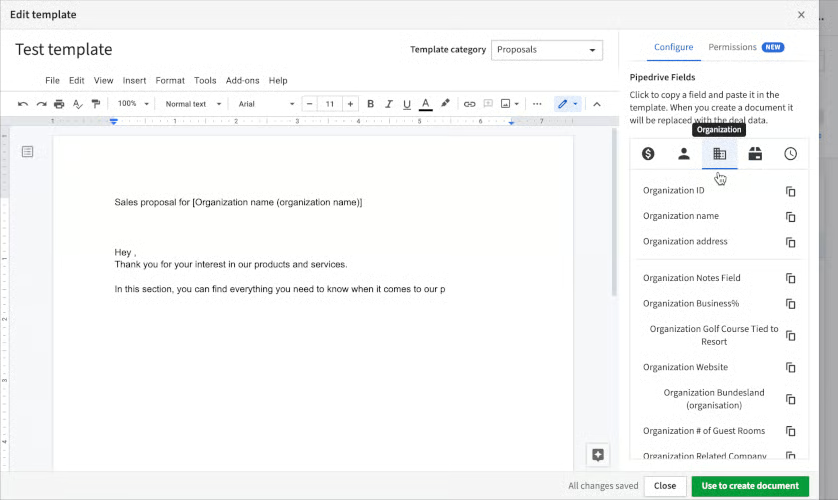
In addition to addressing how to write a contract sample, we’ve created a free sales contract template to use throughout our step-by-step process. We recommend adding organization-specific information, such as your company name, the scope of work, and terms, then storing it in your customer relationship management (CRM) system for all reps to access in one place.
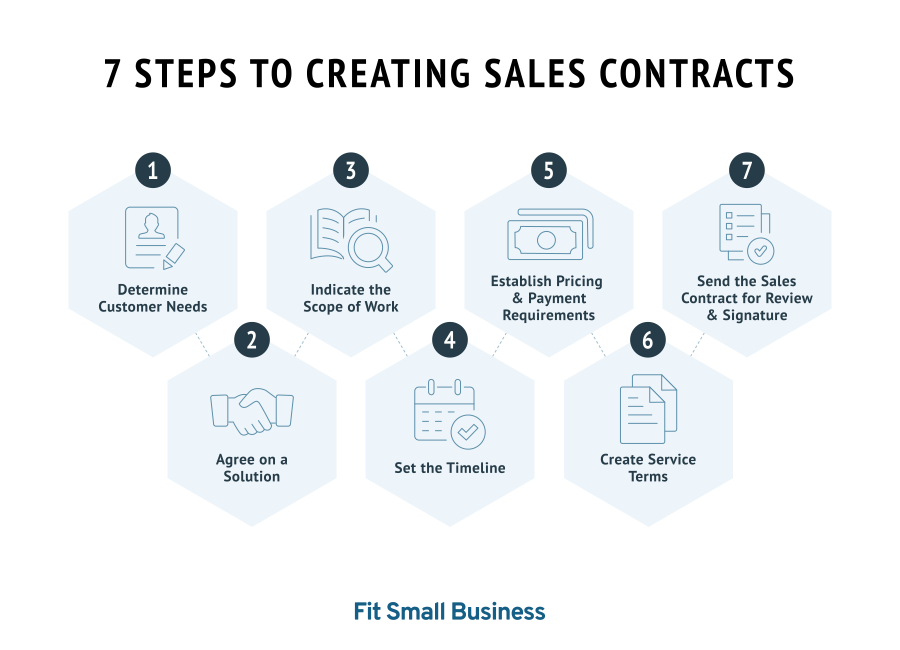
Once you have a prospect who wants to make a purchase from your business, you are ready to draft and send a written agreement. Here’s how to make a sales contract in seven easy steps:
1. Determine Customer Needs
Before you can prepare a sales contract agreement for a new customer, find out which of your products or services you will provide. Start by evaluating their individual needs and providing a few options for them. Do this during a client meeting where you take a consultative selling approach and discover their pain points, budget range, and if they have any product or service preferences.
These aspects of a buying decision are relevant no matter what industry you are in. If it’s real estate, a new homebuyer will have certain parameters on their house, such as price and their reason for moving. Those buying software products might be trying to solve a specific problem in their business, such as improved productivity. They could also have a clear budget range and require a certain level of usability in the product.
Alternatively, someone looking to buy equipment, such as an industrial printer or dishwasher, will need their product within a particular budget and be installable in their unique building or home infrastructure. Regardless, once you understand their needs and wants, you can propose a few options during the conversation or once you find a set of solutions for them.
2. Agree on a Solution
After reviewing some options, focus on the solution(s) they seem most interested in. You might send a business proposal for that specific solution or send multiple proposals for each potential option you’re recommending. Each proposal should clearly cover the details of your brand, previous experience, pricing, delivery, and projected timeline.
Once you’ve agreed on the product, service, or variation of the two, confirm they understand the pricing and deliverables before generating the sales agreement document. As you start drafting the agreement, add the customer or client’s identifiable information, such as their name, address, and billing details, and the contract start date (otherwise known as the “Effective Date”).
3. Indicate the Scope of Work
The scope of work, subsequent deliverables, and timeline sections are essential because they set the expectations for what work will be done and when. This ensures no confusion or miscommunication occurs between each party throughout the contract’s duration. The scope of work section is simply the name of the product, service, or combination they are purchasing, along with a brief description.
For example, you might make “Human resources consulting” the main service. You then could describe it as “management of client’s human resources functions, which include (but are not limited to) drafting employee agreements, handling conflict resolutions, and documenting formal employee complaints.” Be as specific as possible in this section and include any activities that will be involved because the details will be the basis for budget and resource allocation.
The deliverables and frequency section is more objective and lays out specific tangibles that will be completed throughout the duration of the contract and how they will be delivered. This could be units of a product physically delivered, such as “100 x reams of paper to be delivered to the above address.” This could also be tasks involved in your service, such as “3 x articles delivered via Google doc” or “3 x Security Awareness Training to be conducted via Zoom.”
Some professional service businesses won’t know the exact deliverables or frequencies because they work on retainer or “as needed.” For these circumstances, indicate in the section that “deliverable frequency is on an ‘as-needed’ basis as requested by the client above,” and describe how that deliverable will be completed or delivered.
4. Set the Timeline
Your timeline, or term of the contract, is from the “effective date” indicated in the top section. For the most part, it estimates when you think the deliverables will be completed, delivered, or satisfied. Sometimes, you will have hard deadlines, such as an annual subscription with a set expiration date. You can indicate it as something like “one-year (365 days) from the date this order form is signed by the above client (the effective date)” or “1/2/2022 to 1/2/2023.”
You can make the term of the contract indefinite for retainer-based businesses. Do this by stating something like “Upon termination of the agreement for any reason (by the client or service provider listed above) from the date the above client signs this order form (the ‘Effective date’).” This section is also an excellent place to note milestones. For instance, you might have four deliverables where you indicate when each is expected to be completed.
5. Establish Pricing & Payment Requirements
Your pricing should have been agreed upon before drafting the B2B sales contract. Sales management personnel should take note that this section will look different depending on the pricing model you use. For example, you might have an actual price because you know the exact deliverables and frequency, such as a set price per unit of a product or software.
Your services might be billed hourly, in which case you will indicate the hourly rate, specify how it’s rounded, and how you’ll track your hours by using a log, signing it, and sending it with each invoice. For “as-needed” service contracts, such as professional content writing, break down the price and pricing method of each type of writing project.
Lastly, this section details the terms of invoicing and payment. Indicate how invoices or bills will be sent, what payment methods are accepted, and the requirements of making the payment, such as “Payment is due no later than thirty (30) days after each invoice is sent.” Some businesses require all payment upfront, which is fine as long as it’s established in this section of the contract.
6. Create Service Terms
The service terms (sometimes called “Terms of Agreement”) outline the legal items involved in a contract the client agrees to. This section, in particular, should be created by an attorney due to the length and complexities involved. We recommend making a separate, generic service document you send attached with the work order each time. Some items and sub-items you may see in this section include:
- Definitions: This goes into specific descriptions of the sales agreement terms and conditions or concepts listed on the work order form, such as “Deliverables” or “Services.”
- Fees and taxes: Confirms the client agrees to pay fees or taxes in relation to what’s indicated on the order form. It might also describe how certain expenses need to be reimbursed by the customer, if applicable.
- Access to client information and systems: Describes how the customer needs to provide the business with any information, materials, personnel, and computer system access necessary to complete the scope of work.
- Subcontracting: Indicates and details whether or not the business has the right to subcontract certain work.
- Warranties: Provides confirmation in the sales agreement that the product or service will be delivered without defects.
- Contract termination: Details the process and reasons for contract termination, both for cause and convenience.
- Confidentiality agreement: Creates the understanding that the business will not divulge certain information regarding the customer or client—essentially a built-in non-disclosure agreement (NDA).
This section also details how liability or legal issues will be resolved. The combination of the work order form, which shows the scope of work, deliverables, timeline, pricing, and terms of service, will be the full sales agreement.
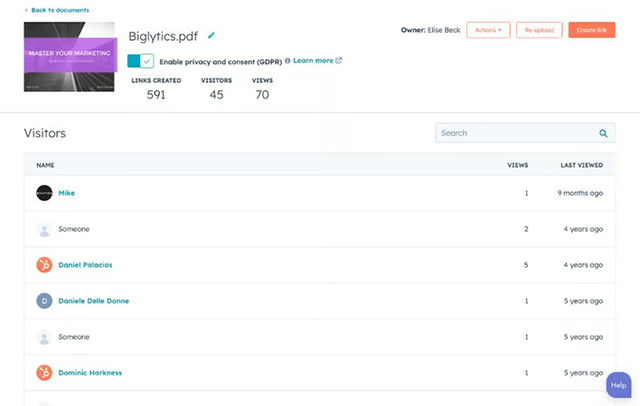
HubSpot’s unified library of trackable sales content (Source: HubSpot) 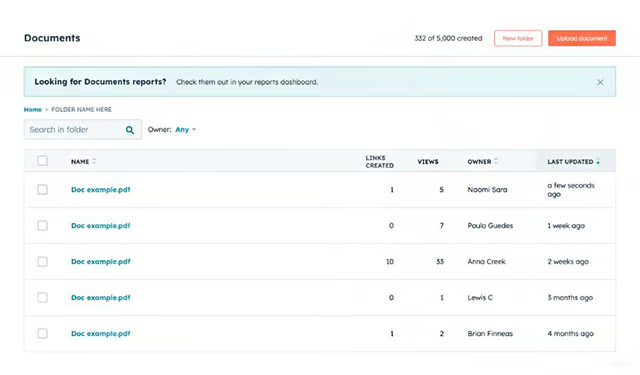
Shared library of sales content for your team (Source: HubSpot)


7. Send the Sales Contract for Review & Signature
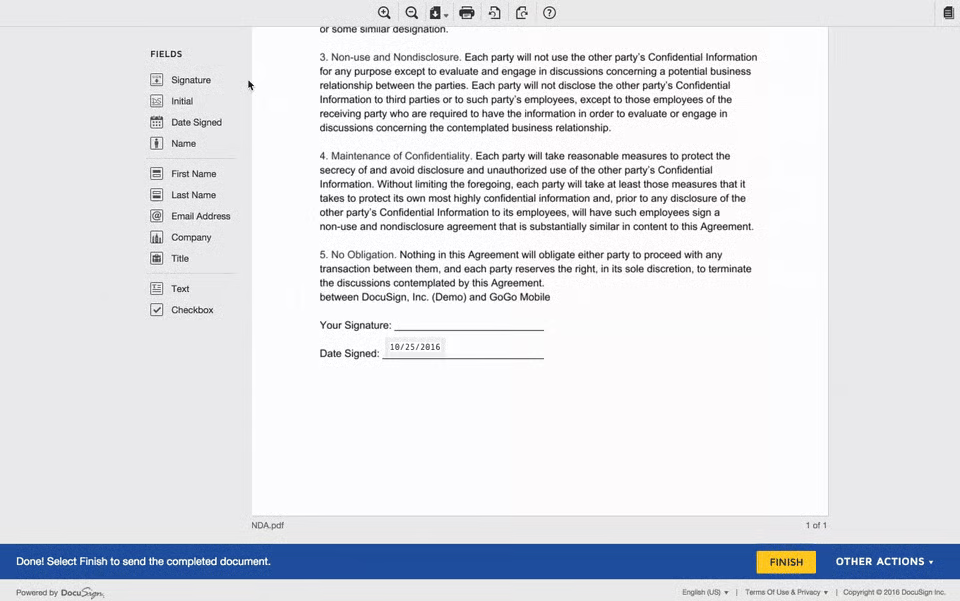
The last step is to send the contract to the customer for review and signature. Note that in some industries, it’s common in the sales process to have a negotiation period where each party goes back and forth to find an agreement on pricing, deliverables, and specific service terms. Be prepared to handle concerns promptly and keep the process smooth by addressing your strategy in your sales plan.
Frequently Asked Questions (FAQs)
What are the types of sales contracts?
These are what the customer agrees to pay for in each type of sales agreement:
- Fixed price: A set lump sum for the product or service
- Cost reimbursement: Allowable expenses plus price stated in the work order form
- Cost plus: All allowable expenses plus an additional fee for completing the work
- Time and materials: Fixed time fee, such as an hourly rate, plus the cost of materials
- Unit price: Set fee per every unit provided, such as a product, software, or tangible service
What are the main benefits of sales contracts?
A sales agreement sets the standard and expectations for how products and services will be delivered. It also allows the customer to understand exactly what they will be paying for your product or service. Moreover, using a sales agreement template keeps a uniform and repeatable process for generating and sending sales agreements.
What are the challenges of sales contracts?
It can be expensive to create a sales contract when you take legal fees into account. In addition, some parts of a contract, like the terms of service, can be long and detailed. This can cause the customer not to read it and be caught off-guard by a specific term of agreement or provision in the middle of the contract. Plus, sales reps often need to collaborate with the legal department to properly draft a sales agreement—delaying the selling process.
Bottom Line
A sales contract formally sets the expectations for the pricing and how a solution will be delivered to a customer. By using a simple sales contract template, you streamline the contract generation process by plugging in customer-specific information and sending it to them for review. Different types of sales agreements require complex legal language, so we recommend hiring an attorney to help draft one for your organization.
