







Finding high-quality free images for website design is easy thanks to sites with advanced search tools and royalty-free images. Some even have free video, audio clips, and editing tools for creating custom graphics. Below are 15 of the best places to get free images for website design and other marketing materials you need to build a strong brand presence and grow your small business.
- Best Places to Get Free Images for Website Design at a Glance
- 1. Canva: Best Free Images for Website Design Overall
- 2. Envato Elements: Largest Library of Website Design Elements
- 3. Pixabay: Most Accurate Keyword Searches
- 4. Pexels: Most Organized Image Collections
- 5. Unsplash: Best for Connecting With Professional Photographers
- 6. Flickr: Most Trending Images for Website Design
- 7. Same Energy: Most Accurate Related Images
- 8. Picjumbo: Best Image Collection Downloads
- 9. Kaboompics: Topnotch Lifestyle Images
- 10. Freepik: Best Free Graphics & Vector Illustrations
- 11. Placeit: Best for Free Product Mock-up Images
- 12. Storyblocks: Ideal Professional Video & Audio Files Source
- 13. Adobe Stock: Best for Adobe Creative Suite Users
- 14. Burst by Shopify: Most Helpful for Ecommerce Websites
- 15: FreeImages: Best Free Site for Multiple Image Types
- Quick Guide to Ideal Image Sizes for Websites
- Frequently Asked Questions (FAQs)
- Bottom Line
Best Places to Get Free Images for Website Design at a Glance
| Platform | Best For |
|---|---|
 | Free images, templates, and editing in an intuitive platform |
 | Unlimited downloads of royalty-free images, videos, editable files, audio clips, and fonts in one platform |
 | Excellent for keyword-based image searches |
 | Find free images for website design by color or topic |
 | Free high-resolution images by photographers you can hire |
 | Find trending photos for web design via specific filters |
 | Click an image to find similar images for website design |
 | Downloading photo collections in the same theme |
 | Finding free high-quality lifestyle images for blogs |
 | Finding free graphics and vector illustrations |
 | Creating free product mock-ups to use on your website |
 | Finding stock video and audio assets |
 | Finding images and graphics with easy integration to Adobe Creative Suite |
 | Free photos for ecommerce entrepreneurs |
 | Finding multiple image file types for free |
1. Canva: Best Free Images for Website Design Overall
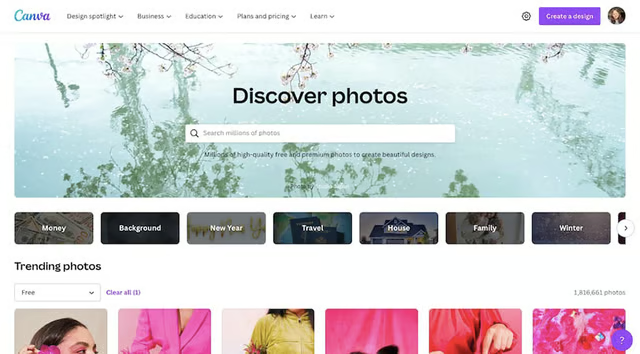
Search images by keywords on Canva’s stock image library (Source: Canva) 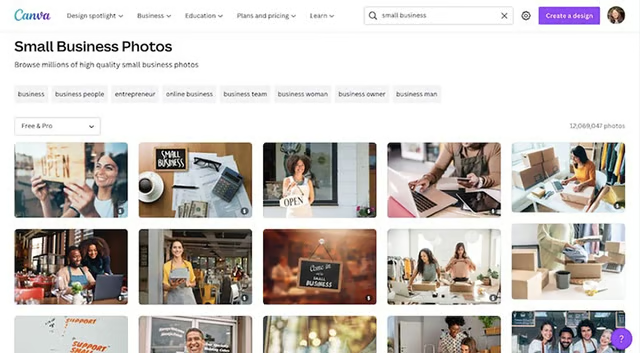
Filter search results between free and paid images (Source: Canva) 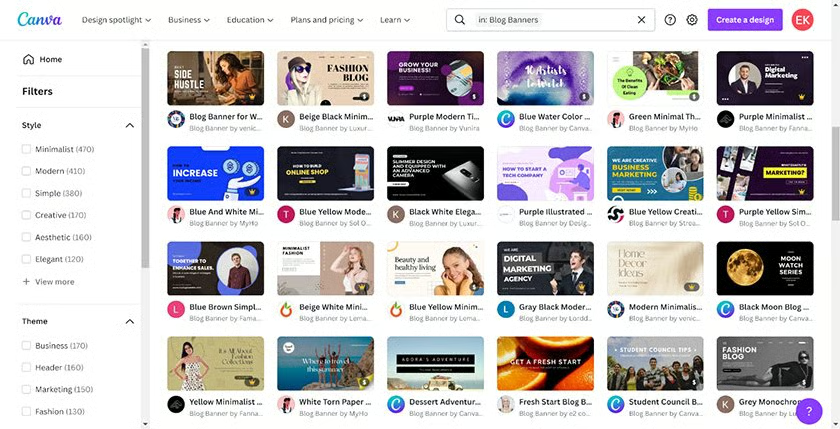
Create images for your website with thousands of free templates (Source: Canva)


| PROS | CONS |
|---|---|
| Free online graphic creation, editing, and publishing tool | Full access requires a paid subscription |
| Find free images for website design and edit them in the same platform | Only 5GB of storage in the free version |
| Free-forever account, or unlock everything with a low-cost plan | Image background remover tool is locked behind paid plans |
| 60 million+ images and thousands of premade templates for all kinds of marketing materials | Image filters are limited only to paid vs free photos—no filters by size, color, etc. |
Canva is a free online graphic editing and publishing tool. You can source and design images and graphics to create nearly any marketing material–completely free. You can even create a brand kit to keep your branding consistent with all your digital and print marketing materials by using your logo, brand colors, and fonts.
Canva offers a massive library of free graphics and images for website design, as well as thousands of templates for everything from business logo designs to website banners. Also, Canva saves all your designs, so you can download or print them again.
Unlocking all 60-plus million of Canva’s templates and images requires a low-cost paid subscription. But the free plan includes over 1 million graphics and 250,000 templates for many of the marketing materials needed to build a strong brand online and off, making it the overall best website for free images.
2. Envato Elements: Largest Library of Website Design Elements
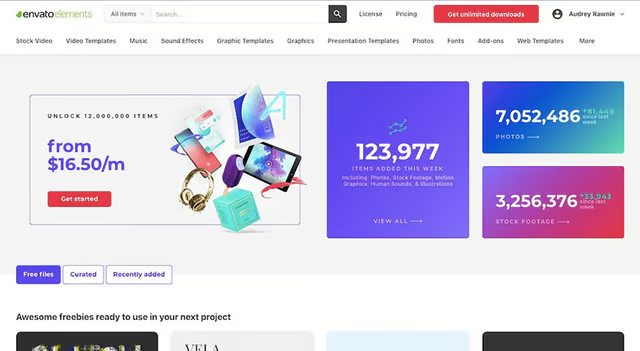
Download high-quality files from stock images and website graphics to Adobe files and WordPress plugins on Envato Elements (Source: Envato Elements) 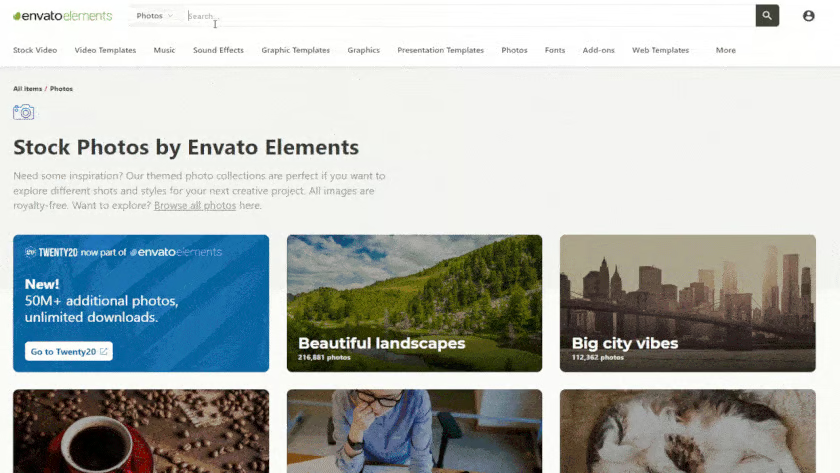
Easily find and sort stock images for websites, including unlimited downloads with an Envato Elements subscription (Source: Envato Elements)


| PROS | CONS |
|---|---|
| Unlimited downloads of all file types on the platform with one subscription | No free plan (but there is a 7-day free trial) |
| Millions of high-quality business and industry-specific photos, graphics, mock-ups, and editable files | No option to resize stock images for website use (only full resolution downloads) |
| Browse by keyword and filter by color, orientation, background, content, editing software, and more | Doesn’t offer an editing tool—it’s solely an elements library |
| Widest range of high-quality licensed asset types of any of the providers on this list | |
Envato Elements is an online elements library. While it’s not technically free, with a paid plan you get unlimited free downloads of everything on the platform. It also has the widest range of media types, including images for website design, audio files, videos, animations, and even website plugins and themes. Get full access with any of its plans:
- $16.50 per month for individual access
- 30% discount for students
- $10.75 per user, per month for teams
- Enterprise (custom pricing)
Subscribing to Envato Elements is an especially great option for startup business websites. You’ll have access to all the images you need to build your site and promote your business in print marketing materials, social media posts, and more.
You can use any digital content for personal or commercial use with the Envato license, with a few fairly standard guidelines for stock assets. This makes Envato Elements best suited for businesses with in-house design teams and editing software intent on growing their content marketing, or for freelancers in the creative industry needing multiple high-quality creative assets.
3. Pixabay: Most Accurate Keyword Searches
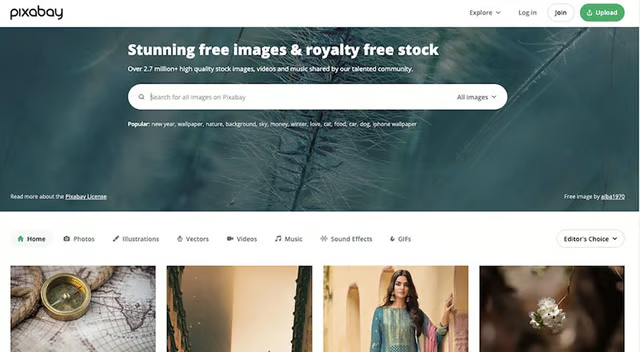
Search high-quality images via Pixabay (Source: Pixabay) 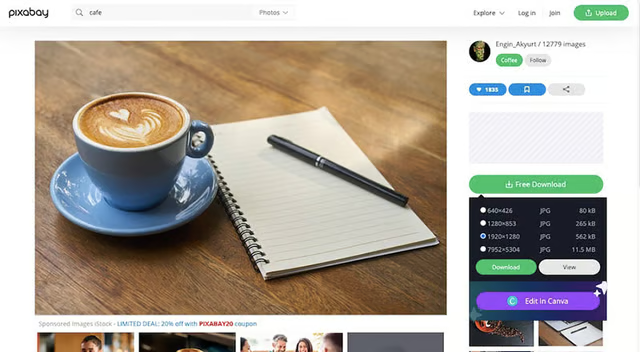
Choose from four image resolutions, or connect directly with Canva (Source: Pixabay)


| PROS | CONS |
|---|---|
| 2.3 million+ images, graphics, and videos | Can’t search for a mix of media types at once |
| Search images through specific keywords | Sponsored images get top billing |
| Choose from four image resolutions before downloading (640×512, 1280×1024, 1920×1536, 2500×2000) | Downloading a high-resolution photo requires signing up |
| Connect directly with Canva to edit images | |
If you’re just starting the process of building a small business website and need free images, try Pixabay. It’s a good place to find free high-quality stock images for site page backgrounds, blog headers, and more.
There are over 2.3 million free images and videos for non-commercial and commercial use. Plus, advanced keyword-based search tools make it easy to find professional images for websites and other projects. Sort through various parameters, including orientation, media type, and category.
If you want to use the highest resolution of an image, you need to sign up for an account, but this is also free. Pixabay’s images are royalty-free, so you can use them or modify them for almost any use without providing attribution. Finally, once you’ve chosen an image, you’ll also have the option to connect directly with Canva and edit your image on the platform.
4. Pexels: Most Organized Image Collections
Pexels is a great resource for free high-quality stock images for websites. (Source: Pexels) 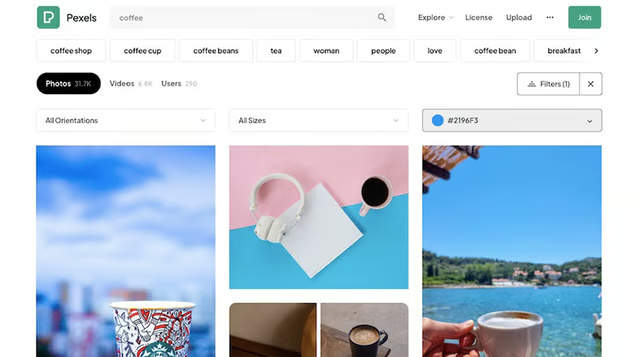
Find images in specific colors with Pexel’s color filter (Source: Pexels)


| PROS | CONS |
|---|---|
| 1 million+ images, graphics, and videos | Results don’t always match your search |
| Discover feature groups images by categories | Default download is the original size (no option to resize images for web) |
| Search and filter features | No image editing tools |
| You don’t have to create an account to download images | |
Check out our list of the best small business website examples. You’ll notice most make a high visual impact through imagery.
Pexels is an excellent resource for finding high-quality, royalty-free images and videos to make your website or blog stand out design-wise. With more than a million media files, you’re sure to find a high-quality image that fits your needs. Resolution varies for each image, but you’ll get the original version when you download one without specifying the size.
A unique feature of Pexels is the ability to search by color hex code. So, if you need an image or video with a specific tone, you can browse collections or filter results by color.
The search function can be a bit hit or miss, though. Some image results don’t fit the search precisely, so you may need to be more specific with your search terms. In any case, many of the photos on Pexels are professional, high-quality, diverse, and updated.
5. Unsplash: Best for Connecting With Professional Photographers
Search photos on Unsplash by category or keyword (Source: Unsplash) 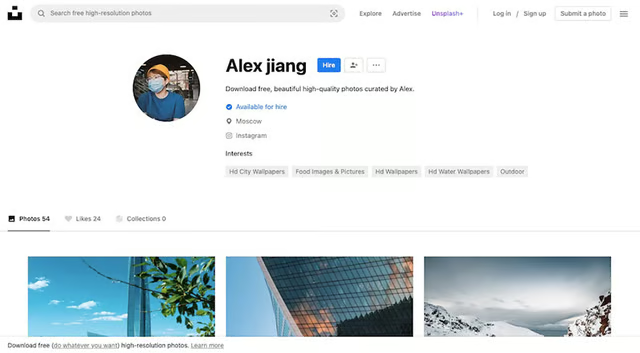
Sign up for an Unsplash account to hire photographers (Source: Unsplash)


| PROS | CONS |
|---|---|
| 3 million+ photos and the option to hire photographers | Results may be broad |
| Find images by category on the home page or search for related images and collections | No option to resize or edit images |
| Download free images without creating an account | |
| Choose image size before downloading | |
With over 3 million professional photos, Unsplash is one of the most popular free stock photo sites to find images for websites. It also provides free stock images for Squarespace users directly within its editor. This is a contributing factor to why it’s so easy to make a Squarespace website that is visually striking.
When searching for images, be as specific as possible with your search terms, or your results may be too broad. However, within the results, you’ll also be able to find related search keywords and image collection suggestions that help you hone in on your preferred photo.
You can upload an image you have in the visual search engine to find similar images to the one you have. Finally, if you need more custom photo shoots, you’ll also be able to contact Unsplash’s photographers for hire by signing up for an account.
6. Flickr: Most Trending Images for Website Design
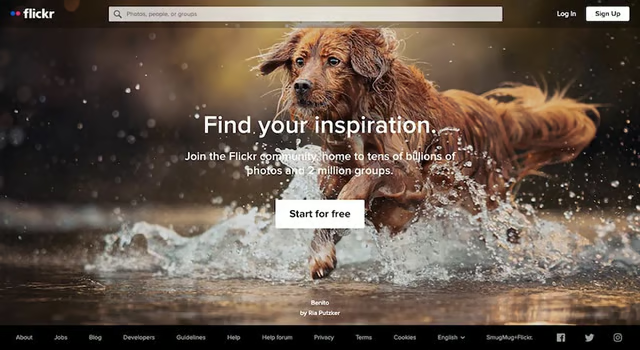
Search billions of images, videos, and illustrations on Flickr (Source: Flickr) 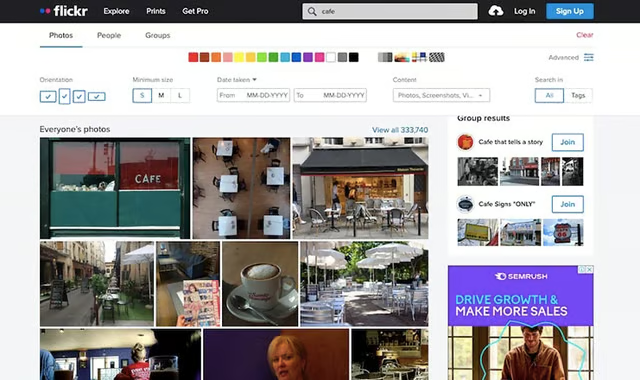
Use Flickr’s advanced filters to narrow your search by orientation, license type, and more (Source: Flickr)


| PROS | CONS |
|---|---|
| Billions of images, illustrations, and videos | Many images have watermarks and names |
| Advanced search filters—find images by color, image size, orientation, date taken, content type, and license type | Large ad at the top of results pages—can be distracting and confusing |
| SafeSearch on by default to eliminate mature content | No editing tools |
| Choose from 5 images sizes before downloading | A lot of outdated and low-quality images to sift through to find a good one |
Flickr is a treasure trove of free images on the internet. Much like other free stock photo sites, you can search for any type of image you need and are likely to find it.
What sets Flickr apart from others on this list is its handy search filters. You can search photos within a specific date range, size, orientation, content type (photos, screenshots, illustrations, and so on), image style (minimalist, black and white, etc.), and even the license type.
The image license type filter is particularly helpful for narrowing your search to only images available for commercial use. To use an image from Flickr safely, look for Creative Commons licensed media and check for restrictions on how you can use an image and how you should attribute the photographer.
7. Same Energy: Most Accurate Related Images
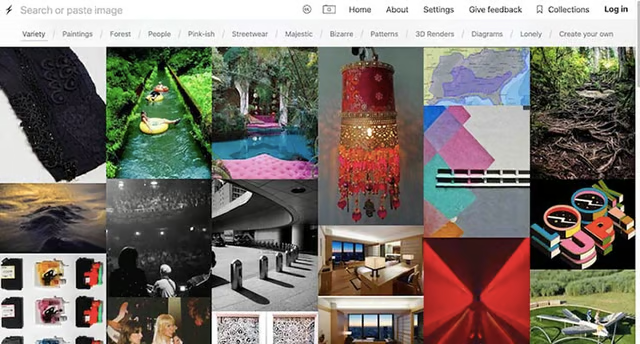
Search for photos by category and find image inspiration on Same Energy (Source: Same Energy) 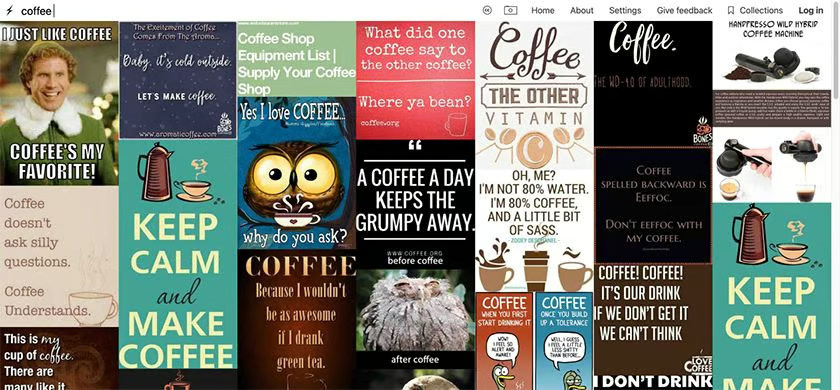
Toggle the Creative Commons button on the horizontal menu bar to filter images by license (Source: Same Energy)


| PROS | CONS |
|---|---|
| 19 million+ images | Results aren’t always relevant to search term |
| See related results when you click on each image | Many images are sourced from other sites—it’s more of a visual inspiration board, similar to Pinterest—therefore, there are no guarantees regarding copyright |
| Search by words, images, or collection/topic | Not as user-friendly as other image databases |
| Filter images by those with a Creative Commons license | Some images aren’t as modern or professional compared to other sites |
Same Energy is one of the newest sites where you can get free images to use for websites. Still, it handles searches for images a little differently than other platforms. Like Pinterest, it’s better to think of Same Energy as a visual search engine. However, there’s also a regular search bar to search by keywords.
While it functions essentially as an image library like others on this list, Same Energy’s main objective is to fuel inspiration and creativity through its image library rather than provide valuable assets or images for websites. For this reason, its best use-case is as a source of inspiration to find images related to an idea or another image.
You can type in a search term and find images that match, but the results are sometimes mixed. The source for the images at Same Energy could be from many other public sites, so you may see duplicates if you use other photo sites to find professional images. Plus, you’ll have to check each image to find what sort of license it uses before you can use it on your own site.
8. Picjumbo: Best Image Collection Downloads
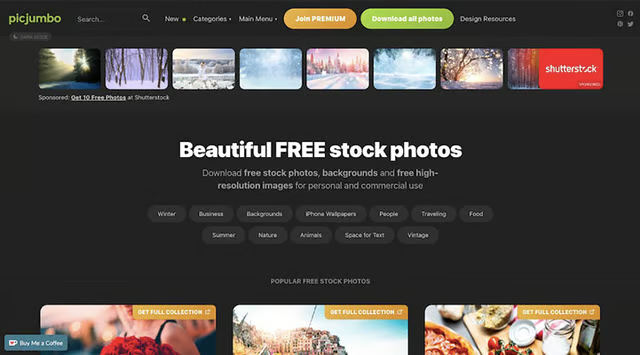
Browse Picjumbo photos by tags, categories, or via the search bar (Source: Picjumbo) 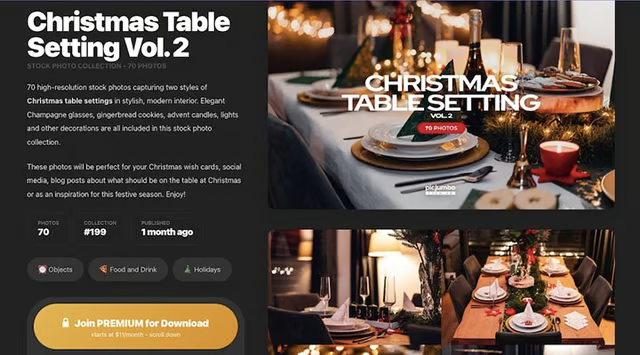
Access photo collections with a premium subscription (Source: Picjumbo)


| PROS | CONS |
|---|---|
| Thousands of high-quality free pictures for websites | Smaller database of photos than competitors with less varied photo styles |
| Download full photo collections on each theme with a premium subscription | Limited image results on the free plan, and access to full photo library starts at $49 monthly |
| New collections come out every month | No option to resize or choose a web-friendly image size before downloading |
| Browse photos by category | No tools for editing images |
You’re likely to find images on Picjumbo you won’t find elsewhere, as this free image site showcases photos from a single photographer. All images are free to use if you download them one at a time.
Picjumbo also has full photo collections for a single theme, for which you’ll need to pay a premium subscription starting at $49 a month. There are also options for yearly and lifetime subscriptions to get access to over 10,000 photos, and 50-plus new stock photos delivered to your inbox every month.
Keep in mind that since Picjumbo doesn’t have a huge selection of photos, there’s a chance that some of your searches will come back with limited results, especially for niche search terms. Its photos, however, are often modern and suitable for websites or marketing materials.
9. Kaboompics: Topnotch Lifestyle Images
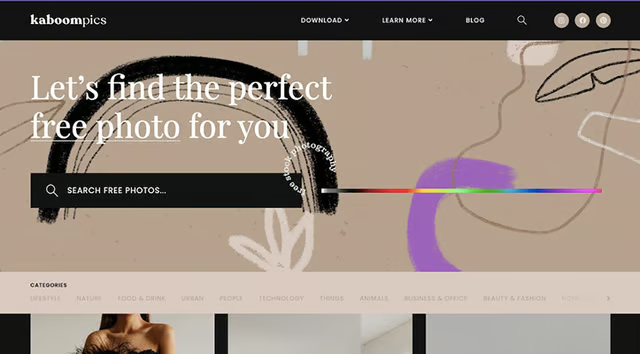
Search through thousands of high-quality photos, or browse by category (Source: Kaboompics) 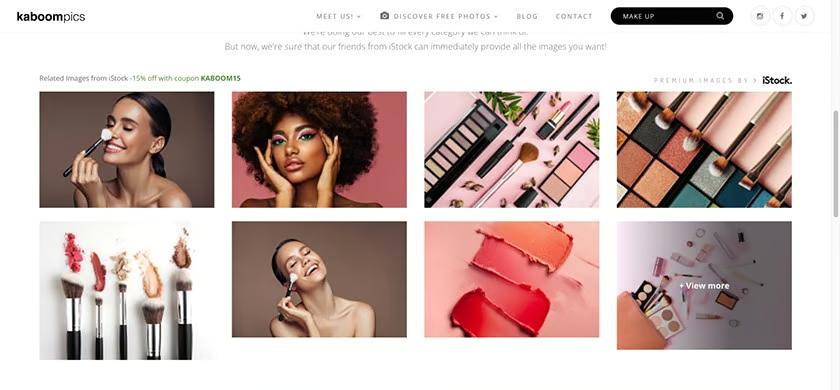
Kaboompics offers modern lifestyle-geared images, best suited for blogs. (Source: Kaboompics)


| PROS | CONS |
|---|---|
| 20,000+ free high-quality images | Images are mostly limited to the lifestyle category—may not find what you need |
| All photos have a somewhat similar look, making it easy to build a visually cohesive website | Smaller image library compared to competitors |
| Filter images by orientation, color, and category | No option to resize or choose an image size before downloading |
| Efficient "Batch Download" feature allows you to download several images at once | No editing tools |
Kaboompics offers a library of more than 20,000 free images for website design as well as other business uses, as long as you aren’t selling or redistributing an image. As with Picjumbo, all of its images are shot and edited by the same photographer, and therefore have the same style and quality.
The majority of Kaboompics’ photos are lifestyle-themed—from indoor houseware and fashion to food and drink. This makes it an excellent source for images for retail website designs, blogs, and social media photos.
10. Freepik: Best Free Graphics & Vector Illustrations
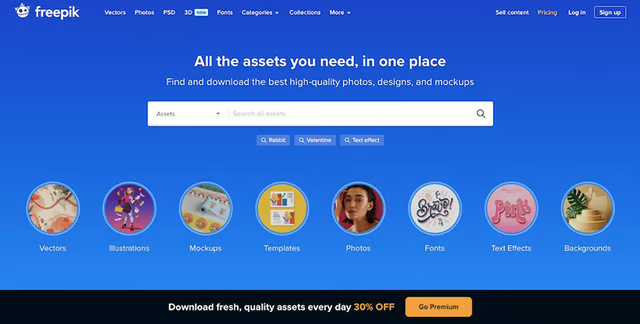
Freepik offers an all-in-one asset platform with stock images, vectors, editable files, and more. (Source: Freepik) 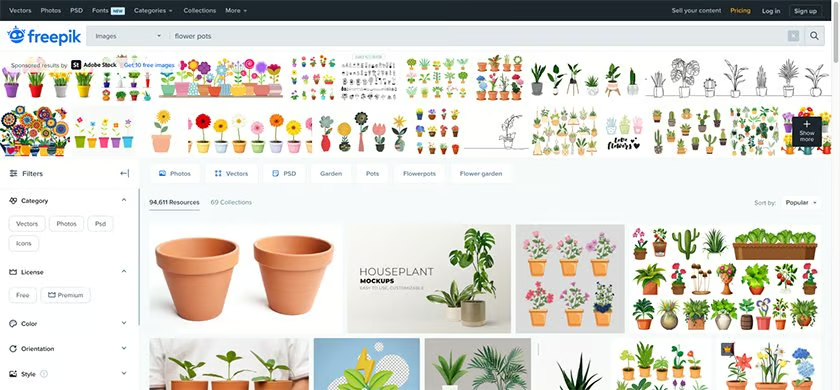
Many images and vectors are free to download. (Source: Freepik)


| PROS | CONS |
|---|---|
| 4.5 million graphic elements | Full access requires a monthly subscription |
| Free plan with thousands of free assets | Must include attribution unless you have a paid plan |
| Wide variety of images and illustrations, Adobe Photoshop files, fonts, and mock-ups | As with Flickr, not all images are high-quality |
| Create and sell your own content on Freepik | Only 3-10 free daily downloads (plus image attribution required) |
Freepik offers millions of high-quality images for websites, but for full access, you’ll have to sign up for a paid membership. Thousands of images are available in the free version, as well as vector graphics, Adobe Photoshop Files, fonts, and mock-ups, making it a worthy alternative to Envato Elements if you’re only looking for those elements.
A significant portion of Freepik’s library is also free to download and use, making it most helpful for creative freelancers or small businesses on a budget. However, there are use limitations.
Freepik only allows up to three free downloads per day for unregistered users, for which you’ll need to provide image attribution. Registered users get 10 downloads a day for free, or you can pay $12 per month (billed annually) for full access.
11. Placeit: Best for Free Product Mock-up Images
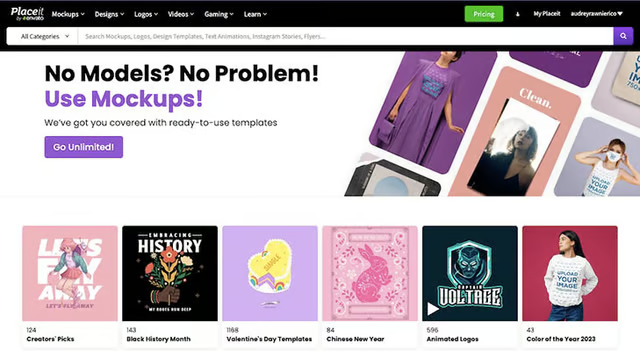
Placeit offers a wide range of templates that are perfect for any business type. (Source: Placeit) 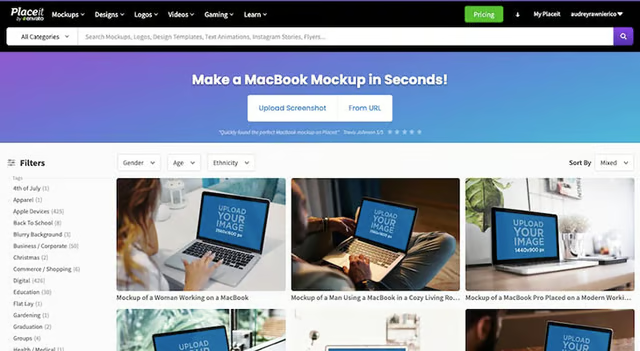
Create product mock-ups with thousands of mock-up templates (Source: Placeit)


| PROS | CONS |
|---|---|
| Free plan with hundreds of mock-up templates, including model-based images | Some features and templates are locked behind the paid plan ($7.47 per month) |
| In addition to mock-ups and 85,000+ media assets, create custom graphics for gaming, logos, videos, and more | Mostly for creating mock-ups—not ideal for sourcing stock images |
| Purchase single mock-up designs, or gain access to all mock-ups and assets with a subscription | Limited editing capabilities |
| Easy-to-use interface—simply upload your photo to instantly see your mock-up | |
The best use of Placeit is as a mock-up generator for product images for your website. While not technically a free image or assets library like others on this list, Placeit is a useful design tool for making mock-ups of your products with stock images to showcase your product in various use cases.
Placeit has thousands of mock-up templates, from digital demos to apparel. You can get a free account forever, but it’s limited both in terms of access to templates and premium features.
Small businesses that want to show off books, branding, apps, or websites would do well with Placeit. It offers both isolated and photo mock-ups with models to create a product image or a product image with people and a background from a stock photo. There are also tools for creating custom logos, animated graphics, a free video editor, and more.
12. Storyblocks: Ideal Professional Video & Audio Files Source
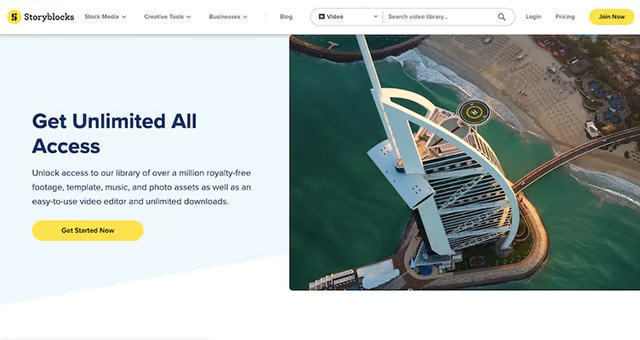
Create professional videos using Storyblocks’ stock footage and video editor (Source: Storyblocks) 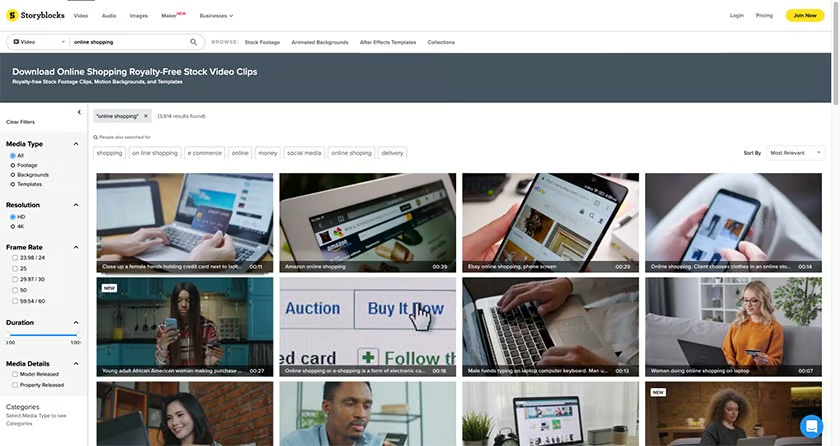
Access to millions of royalty-free stock videos, photos, and audio files on Storyblocks (Source: Storyblocks)


| PROS | CONS |
|---|---|
| Wide variety of stock images, videos, animated backgrounds, and more | No free plan |
| All-in-one video asset library with 1.5 million+ video footage, audio, and images | No option for single asset downloads |
| Easy online video editor, plus integrations with Adobe Premiere Pro | Unlimited downloads are locked behind the second-tier ($30) plan; Envato Elements is far cheaper |
Storyblocks is a stock photo, video, and animation site. It’s a membership-only library, so you’ll have to pay to access any of the professional images, videos, or audio files you want to use.
Searching for footage on Storyblocks is easy, and you can filter by the type of media you need. Uniquely, though, it has a video editor subscribers can use for free, making it ideal for small businesses that want to invest in video, such as for video content marketing.
You can also create a free account to use Storyblocks’ free video editor and easily search and import Storyblocks images, footage, and audio from the editor. This is a great way to use Storyblocks for free, but everything you create and export will have a watermark until you upgrade to a paid plan.
13. Adobe Stock: Best for Adobe Creative Suite Users
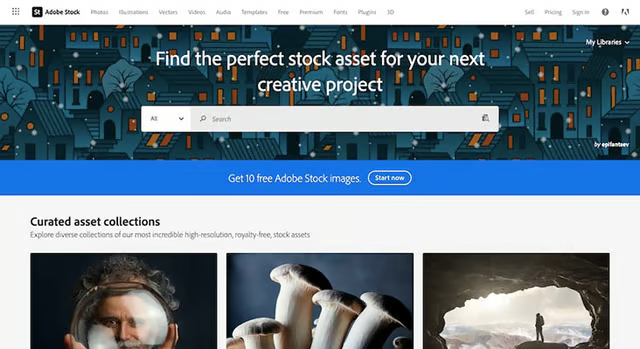
Adobe Stock offers high-quality images and graphics for personal and professional use. (Source: Adobe Stock) 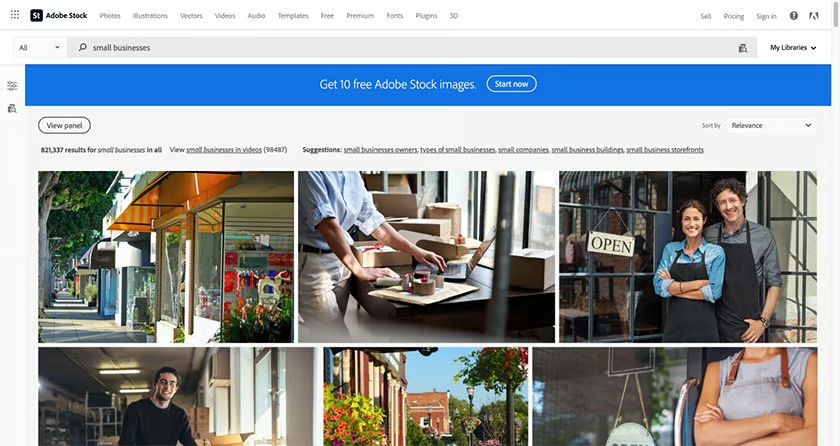
Upgrade to a premium plan to access all its premium assets (Source: Adobe Stock)


| PROS | CONS |
|---|---|
| 100 million+ high-quality photos, videos, graphics, and more | Limited stock reserve; full access requires a subscription |
| Browse assets by type and category | Paid plans offer fewer downloads compared to others on this list and costs more |
| Integrates seamlessly with Adobe's Creative Suite | Premium access is very expensive vs Freepik or Envato Elements |
Adobe Stock is well known for its paid plans and assets, but it also offers a free version with a limited number of high-quality assets. Plus, it integrates seamlessly with Adobe Creative Suite software (Photoshop, Illustrator, InDesign, and so on), making it easy to add free website images to products there.
Getting access to premium files, however, requires a far more expensive subscription than others on this list. For example, you get unlimited access and download to everything on Envato Elements for $16.95 per month, whereas with Adobe Stock, you’ll pay $29.99 per month to download up to 10 standard assets monthly, or $49.99 for up to 25 assets.
14. Burst by Shopify: Most Helpful for Ecommerce Websites
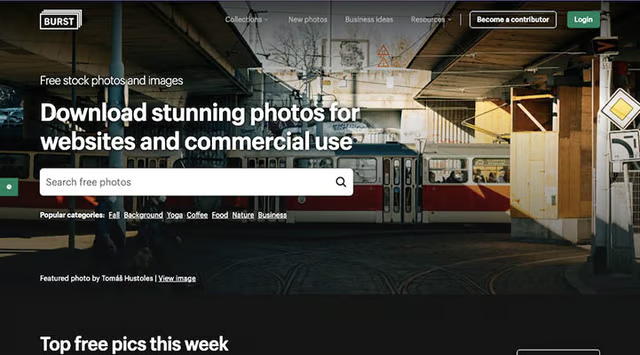
Download free images for ecommerce websites on Burst by Shopify (Source: Burst by Shopify) 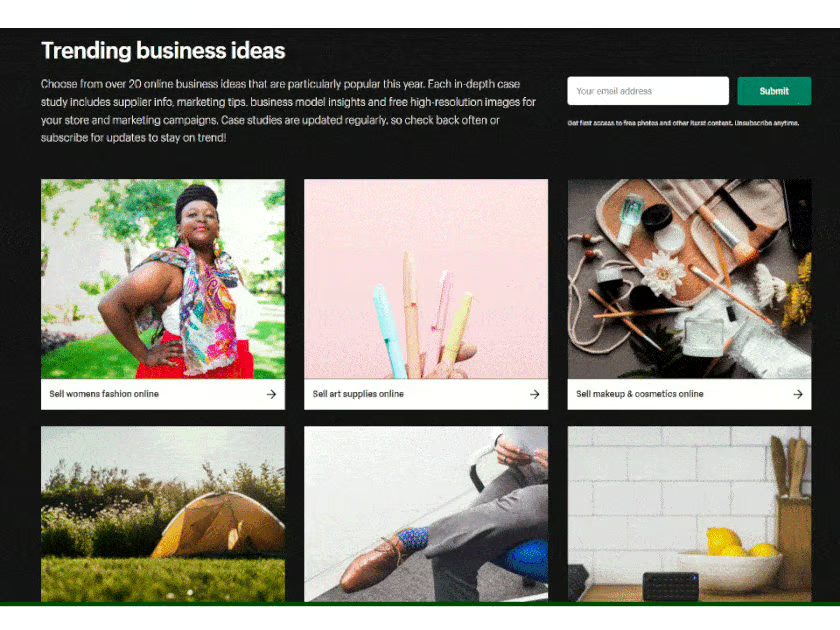
Download free images ideal for small business websites on Burst (Source: Burst by Shopify)


| PROS | CONS |
|---|---|
| Over 20,000 royalty-free, high-resolution photos | Topics represented aren’t as comprehensive as some competitors |
| Powered by Shopify and provided by Shopify users worldwide, so all assets can be used for commercial purposes | |
| Photo image kits for dozens of business types (e.g., restaurants, ecommerce, beauty, and so on) | |
Burst by Shopify is Shopify’s free stock photo platform designed to integrate with the platform’s ecommerce websites, making it easy for users to add high-quality stock photos to their Shopify stores. However, Burst isn’t exclusive to Shopify users—anyone can download and use the photos.
Its photos are free for anyone to use for any purpose—including for commercial use—with no attribution required. This makes it easy to add free images to websites, blogs, and online stores. As with most other platforms on this list, you simply need to type in keywords in the search bar to find photos, and it also offers valuable photo collections to search images by category.
15: FreeImages: Best Free Site for Multiple Image Types
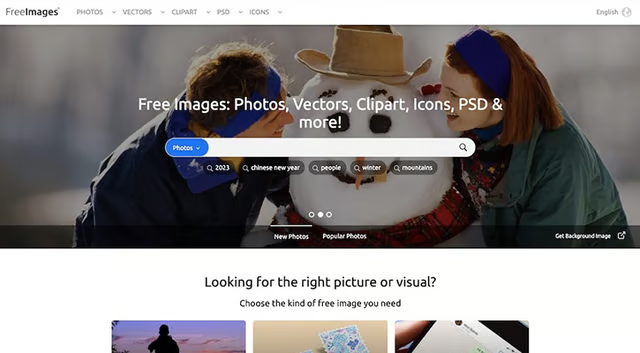
Download multiple assets, from stock images to vectors, for free (Source: FreeImages) 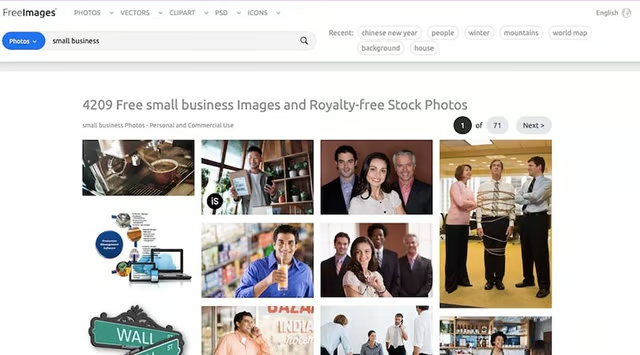
Search by keyword, or browse by photo categories (Source: FreeImages)


| PROS | CONS |
|---|---|
| Download multiple image file types for free, from stock images to vectors, icons, and editable Photoshop files | Not all free search results are relevant, especially for vectors or clip arts |
| Images are organized by file type | Image categories aren’t well-defined—not all images are relevant to the category they appear in |
| Easily browse stock photographs through alphabetically organized categories | Images don’t feel as modern or professional compared to others on this list |
While many stock image sites also offer other helpful assets such as vector images or Adobe Photoshop (PSD) files, they often come at additional costs. If you’re on a tight budget, FreeImages offers an assortment of similar assets, from stock photos and vectors to clipart, PSD files, and icons, for free, and you won’t even need to create an account.
Keep in mind, however, that FreeImages’ photos aren’t available in every file type. For example, you won’t be able to choose a stock photograph and download it as a PSD or vector file—you’ll only be able to select from the available files under each file type and category.
Another drawback is that compared to other free image websites, the photos on FreeImages aren’t as modern or professional, and options for its vector and PSD files are slim. Nevertheless, for small businesses or individuals on a tight budget needing editable image files, sifting through its offerings is worth a shot.
Quick Guide to Ideal Image Sizes for Websites
High-quality images are one of the basic elements of a website. When sourcing images, you’ll want to use an image size that is large enough to be clear and easy to see but not so large that it slows down page loading time. A good rule of thumb is to use an image size of 2,500 pixels for full-screen images and to use JPEG image files when possible.
In addition to height and width, your images must also be optimized for web use. For example, sizing images for websites could entail reducing print quality or high-resolution images from 300 dpi (dots per inch) to 96 or 72 dpi.
The images you use on your website should be large enough to be seen clearly on different screen sizes. Here are some guidelines for choosing the right image size:
- Web banners: These images should be around 900 pixels wide by 300 pixels tall.
- Slider images: These images should be around 1000 pixels wide and 400 pixels tall.
- Product images: These images should be at least 600 pixels wide and 600 pixels tall.
- Blog images: These images can be any size, but they should be at least 400 pixels wide.
If you haven’t already started building your site, look into the best website builders for small businesses. Nearly all provide free images for websites and make it easy to resize images for web use.
For example, Wix and Weebly both automatically compress images for faster site load time. In addition, both Squarespace, and GoDaddy have design studios you can use for free to create graphics and videos for your website.
Frequently Asked Questions (FAQs)
Where can I get background images for my website?
Get free background images for websites from the sites above by searching for abstract or background images. Another option is to modify images by making them blurry or semi-transparent for use as a background image. Reusing images this way also contributes to a cohesive website, since colors and image styles will be consistent.
Can I use stock photos for free on my small business website?
Whether you can use a particular stock photo for free on your website depends on its licensing. Some allow you to use an image free for personal use but require that you purchase a license to use it for commercial purposes. Also, remember that some free professional photos require attribution, meaning you cite the source or author of the image, and are usually required to link back to the source site.
Can I use copyright-free images on my website?
You are free to use copyright-free images on your website, but keep in mind that knowing whether an image is OK to use isn’t always straightforward. The providers listed above offer royalty-free images, and you can also find many free background images for websites by searching Google Images. Alternatively, you can avoid the headache by hiring a freelance photographer on Fiverr to create custom images for your website for as little as $10 to $15.
Bottom Line
Finding free stock photos for websites is easy with so many sites offering cheap and free image licensing. For example, you can join a site like Envato Elements to get unlimited access to all the images, graphics, video, and audio files you need for any project—personal and commercial—for under $20 a month. Alternatively, for high-quality stock images and an intuitive editing tool all in one platform, use Canva.
